How to pay in China: Alipay, WeChat, cards, and cash
Take this into a trip
Start with a destination or a question. Nothing is added to your plan without your review.
Plan your China tripMost purchases in China happen through Alipay and WeChat Pay. The easiest setup is to link your foreign card to one or both apps, bring a physical card as a backup, and carry some small yuan notes for when nothing else works.
Before you fly: link your card
Set this up a few days before your trip, so you have time to sort out any verification hiccups.
- Register with a phone number you can use abroad.
- Complete the identity checks the app asks for.
- Link your own international card. Make sure the name matches your passport and your bank records.
- Check with your bank that it allows these transactions. If one card gets declined, try a card from a different bank.
Don’t lose access to your bank’s texts. Your bank will send verification codes to your usual phone number, and a data-only eSIM can’t receive those. Our phone setup checklist walks you through keeping your home number active.
At checkout: scan their code, or show yours
There are two ways to pay:
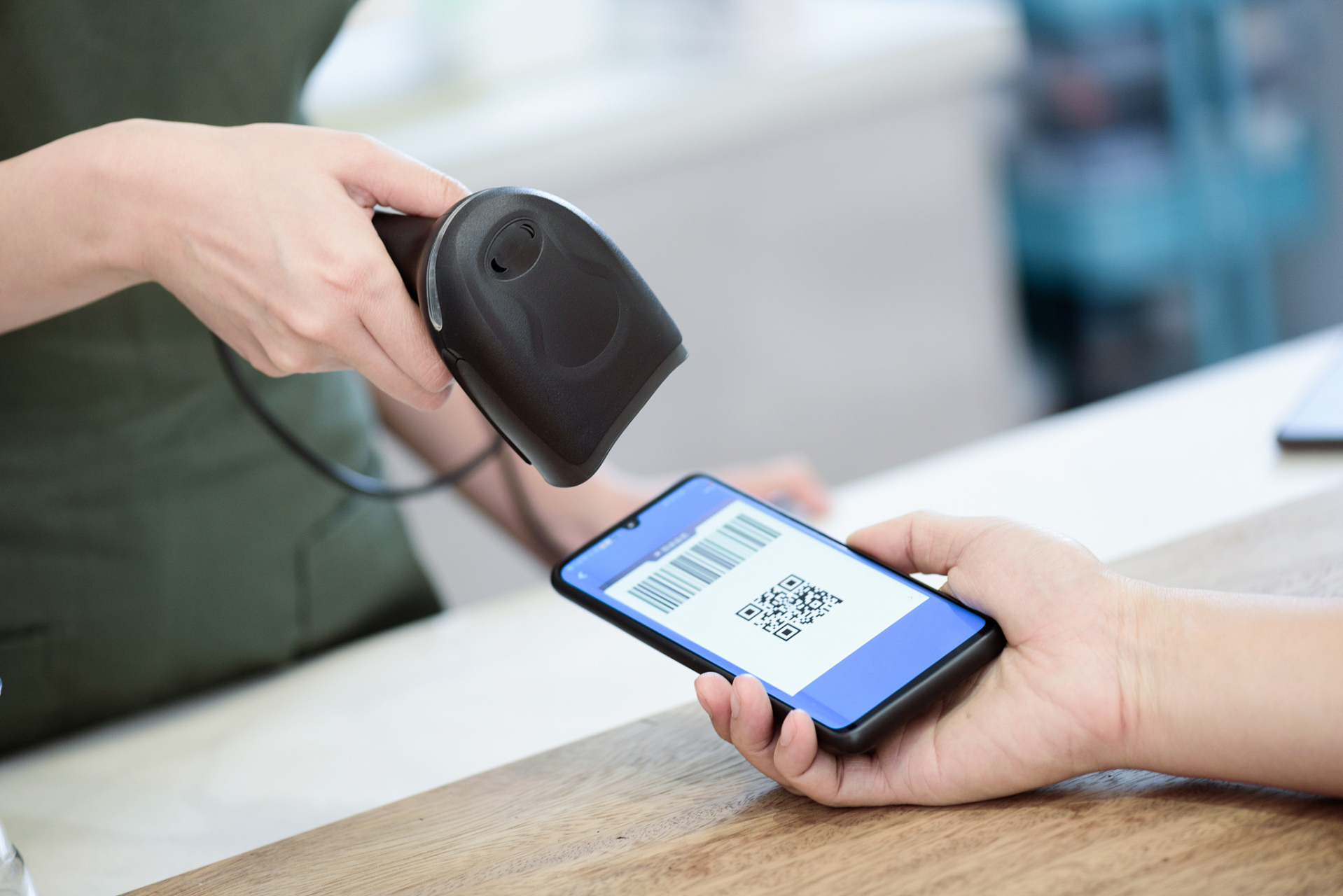
- Scan the shop’s code. Open the scanner in your wallet app, scan the merchant’s QR code, and type in the amount if asked.
- Show your code. Open your payment code and let the cashier scan it.
Before you confirm, check the amount in yuan and any fee. Afterward, make sure both your app and the cashier show the payment went through.
Good news: you don’t need to load money into the app first. Your linked card pays for the purchase directly. Just know that a saved card doesn’t unlock everything. For example, sending money to individuals and sending red packets (hongbao) may not work.
If a payment fails: read the error
What to do depends on why it failed:
- The code is for a personal transfer, not a business. Ask whether you can pay the business directly, or pay in cash.
- A normal shop purchase didn’t go through. Try the other wallet app first. If that fails, try a card terminal (if the shop accepts cards), and then cash.
Save a screenshot of the error message to show the app’s or your bank’s support team. Trying again and again usually won’t fix an account restriction.
The app says you paid, but the shop doesn’t see it? Check with the cashier before paying a second time. Keep the transaction number, amount, and time so the payment can be traced.
Know the fees, and keep cash on hand
With a foreign card, purchases of CNY 200 or less generally have no platform service fee. Larger purchases may be charged 3% of the full amount. Promotions and account conditions vary, so always read the payment screen before confirming. Your own bank’s currency-conversion or overseas fees are separate from this.
For cash, use an ATM that shows your card’s logo, and keep some small notes handy for places that need change.
Do a real test once you arrive. Make a small purchase at an ordinary shop. Registering your card or running a test payment through a third party doesn’t guarantee every purchase will work, but one successful everyday purchase is a good sign you’re set.
Checked October 28, 2026. See the app checklist for setup and offline backups.
From reading to journey
Turn what you’ve read into a plan.
Start with a destination or a question. Pandaloco keeps every change reviewable.