Pick the line for internet and the line for text messages before you pick a brand.
How to Get Online in China and Keep Your Number

PLANNING A TRIP?
Take this into a trip
Start with a destination or a question. Nothing is added to your plan without your review.
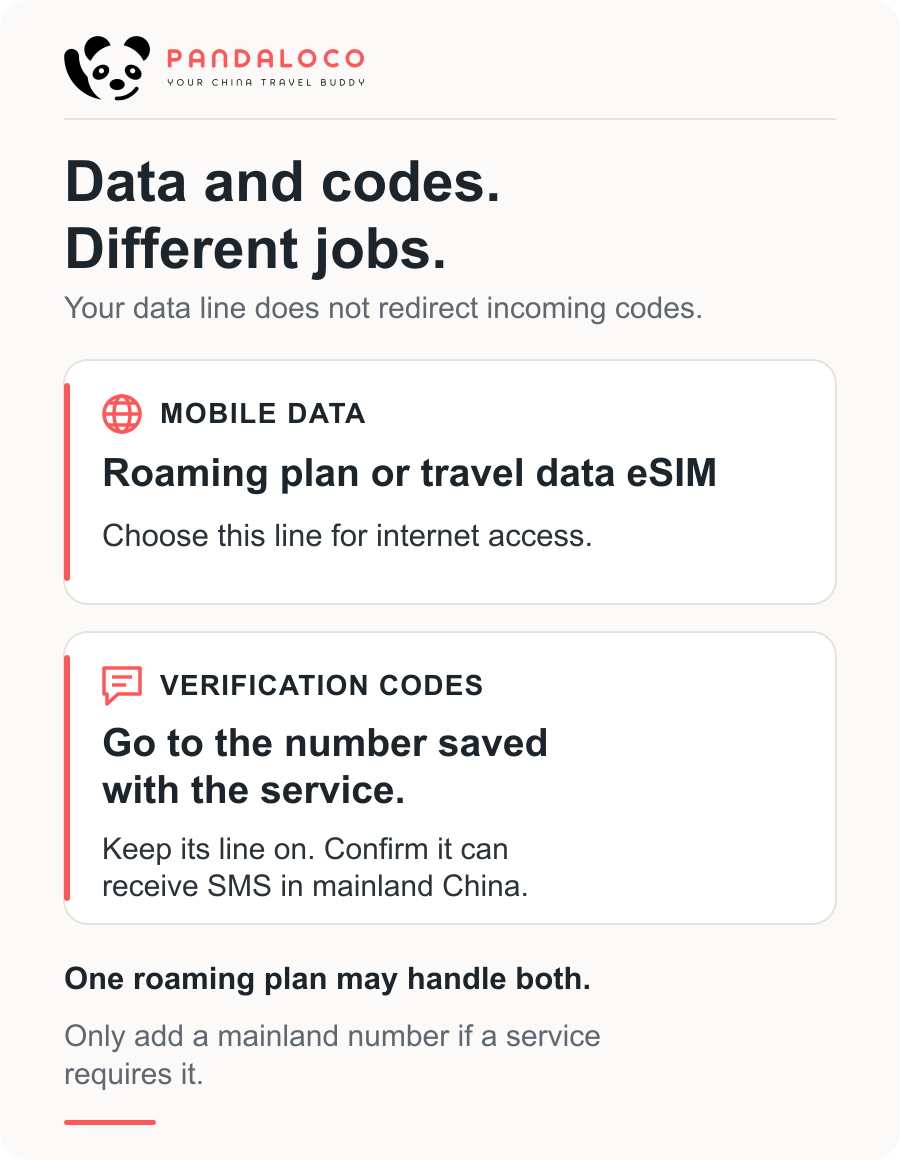
Plan your China tripMost trips need mobile data, and many also need a code sent to the number you already use. Those are two jobs. A travel data plan does the first. It does not move bank or app codes onto itself. A mainland number is a third job, only when a service refuses every number except one from China Mobile, China Unicom, or China Telecom.
Choose your setup
1. Choose how you will get online
Use your existing roaming plan. If your carrier confirms the plan works in mainland China, you can use it for data. Check the price and allowance before you go. If the plan also receives texts on your current number, keep that number for codes.
Add a travel data eSIM. If your phone supports it, use the travel eSIM for data and leave your original line switched on for texts. Check compatibility, carrier locks, and when the plan's days start before you buy or install it. For example, Airalo's China plans in the data view are data-only and use China Unicom. The price on the page is that seller's price.
2. Add a mainland number only if you need one
If a service will only text a mainland number, add a SIM from China Mobile, China Unicom, or China Telecom, bought in person with your passport or foreign permanent resident ID. This is an addition to your setup, not a replacement for checking that your original number still receives codes.
A data connection, access to your original number, and a mainland number are three separate things. Neither roaming on your original number nor a travel data eSIM gives you a mainland number by itself.
A mainland-carrier eSIM is different from a travel eSIM. The first is a China Mobile, Unicom, or Telecom profile activated in a store; on an iPhone, it is limited to the models listed at the end. A travel eSIM is a data plan you buy for the trip. Where the phone was sold affects which profiles it can install.
Before you leave
- Check compatibility and carrier locks. Ask the carrier that sold the phone whether it is locked. Apple's Dual SIM guide says two carriers on an iPhone require an unlocked phone, or both plans from the same carrier. For another phone, check the manufacturer's eSIM support and ask the seller about locks. This guide has no separate Android model list.
- Check that you can keep both lines. One physical SIM plus an eSIM is enough on phones that support it. A phone with only one line forces a choice: roaming on the original number, or the new plan instead of it.
- Confirm SMS on your original number. Ask that carrier whether the number can receive SMS in mainland China and what a text costs. Leave that SIM or eSIM installed.
- Read the travel plan's validity policy before installing it. Airalo's install guide says some plans start at installation, even outside the coverage area; others start when the eSIM connects to a supported network. Another seller sets its own rule. Follow the policy for the plan you bought, and install while you still have a connection if it allows that. This is the plan's validity clock, not when you were charged.
- Bring ID if you need a mainland SIM. Take your passport or foreign permanent resident ID to an operator-run store and apply in person. Someone else cannot hand over your passport and get the card. The price is the one that store posts; there is no single national tourist price.
On an iPhone, three settings stay separate after you add a line. Apple’s guide lets you choose one line for cellular data and another as the default for calls and messages you send. Incoming codes still go to the number the bank or app has on file. The default outgoing line does not redirect them. Data roaming is a third switch. You do not turn it on for the original number just to receive a text.
After you arrive
Turn on mobile data and open a page without hotel Wi-Fi. The line selected for cellular data should be the roaming plan or the travel eSIM. If the page loads, data is working.
Then check the number that is supposed to receive codes. The original line should be switched on. Ask the service to send a code, or send a text to that number from another phone. The code arrives on the number saved in the service, not on whichever line you last used to send a message.
If you collected a mainland SIM, the new number should show on the phone and the store should have finished activation. Use that number only for the services that asked for it. Your bank may still be texting the old one.
If an app stalls when you move between Wi-Fi and mobile data, stay on one connection and try again. Download offline maps and a translation language while the connection is still up.
When it fails
The new plan will not install. Stop and name which profile you are installing.
A travel eSIM fails for a different reason than a mainland-carrier eSIM. If the phone is locked to another carrier, ask that carrier to unlock it, or use roaming on the line you already have. If an iPhone sold in mainland China is one of the models at the end of this page, it cannot install an overseas travel eSIM while you are in mainland China. An iPhone bought outside mainland China, and not on that list, cannot install a mainland carrier’s eSIM. Use a plastic SIM if that iPhone has a tray.
For an Android phone, follow the manufacturer’s page for eSIM and dual SIM. Apple’s list does not tell you whether that phone can install either profile.
You have no data. Confirm the roaming or travel line is the one selected for cellular data, and that the plan’s own start time has passed. If the phone shows a signal and pages still fail, contact the carrier or the eSIM seller with the plan name. Reinstalling does not fix a phone the maker says cannot take that profile.
Data works, and the verification code does not arrive. The data line is fine. The code is a text to a number.
Check three things, in order. The original line is switched on. Your carrier has confirmed it can receive SMS in mainland China. The bank, WeChat, or ride app still has that same number on file. The default line for messages you send does not change where an incoming code goes. Turning data roaming on or off for the original number is not what delivers the code.
A travel data eSIM will not receive a code that was sent to your old number. If the service will text only a mainland number, go to an operator-run store and get one. Data by itself will not satisfy that service.
Paying with a foreign card can ask for one of these texts. How to tell when the payment itself is finished is in How to Pay in China with a Foreign Card.
iPhone compatibility notes
These notes distinguish a mainland-carrier eSIM from a travel eSIM. They follow Apple's model list published on 9 September 2026, not an Android compatibility list.
Need a mainland-carrier eSIM?
Only these models can install a China Mobile, China Telecom, or China Unicom eSIM, when the phone supports eSIM in mainland China:
- iPhone 18 Pro (A3715)
- iPhone 18 Pro Max (A3718)
- iPhone Duo (A3721)
- iPhone 17e (A3635)
- iPhone Air (A3518)
Activation is in a carrier store after an identity check, with your passport or other government ID. An iPhone bought outside mainland China that is not on this list cannot install a mainland-carrier eSIM. A physical SIM is an option if the phone has a tray. That mainland-profile restriction does not tell you whether a particular travel eSIM will work.
Using a travel eSIM?
A mainland-sold iPhone in the list above cannot install an overseas carrier's eSIM while you are in mainland China. Check the phone's model and purchase region before choosing a travel plan. Do not use Apple's iPhone list to judge an Android phone.
Does your phone have a SIM tray?
iPhone Air (A3518) and iPhone Duo (A3721) are eSIM-only: they have no physical SIM tray.
An iPhone with no SIM tray, if it also cannot install a mainland-carrier eSIM, cannot hold a mainland number. That limit is about those iPhones. It is not a rule for Android phones.
From reading to journey
Turn what you’ve read into a plan.
Start with a destination or a question. Pandaloco keeps every change reviewable.